The PDF toolkit that lives on your phone
Merge, split, scan, sign and compress PDF files in seconds — completely offline. No watermark, no account, no internet required.
InkPDF
Pick a tool to get startedEvery PDF tool you need
One free app to merge, split, scan & sign PDFs
InkPDF replaces a handful of paid web tools with a single offline Android app — fast, private, and watermark-free.
Merge PDF
Combine multiple PDF files into one organised document in seconds.
Split PDF
Separate or extract specific pages from any PDF into new files.
Document scanner
Smart edge detection and auto-crop turn photos into clean PDF scans.
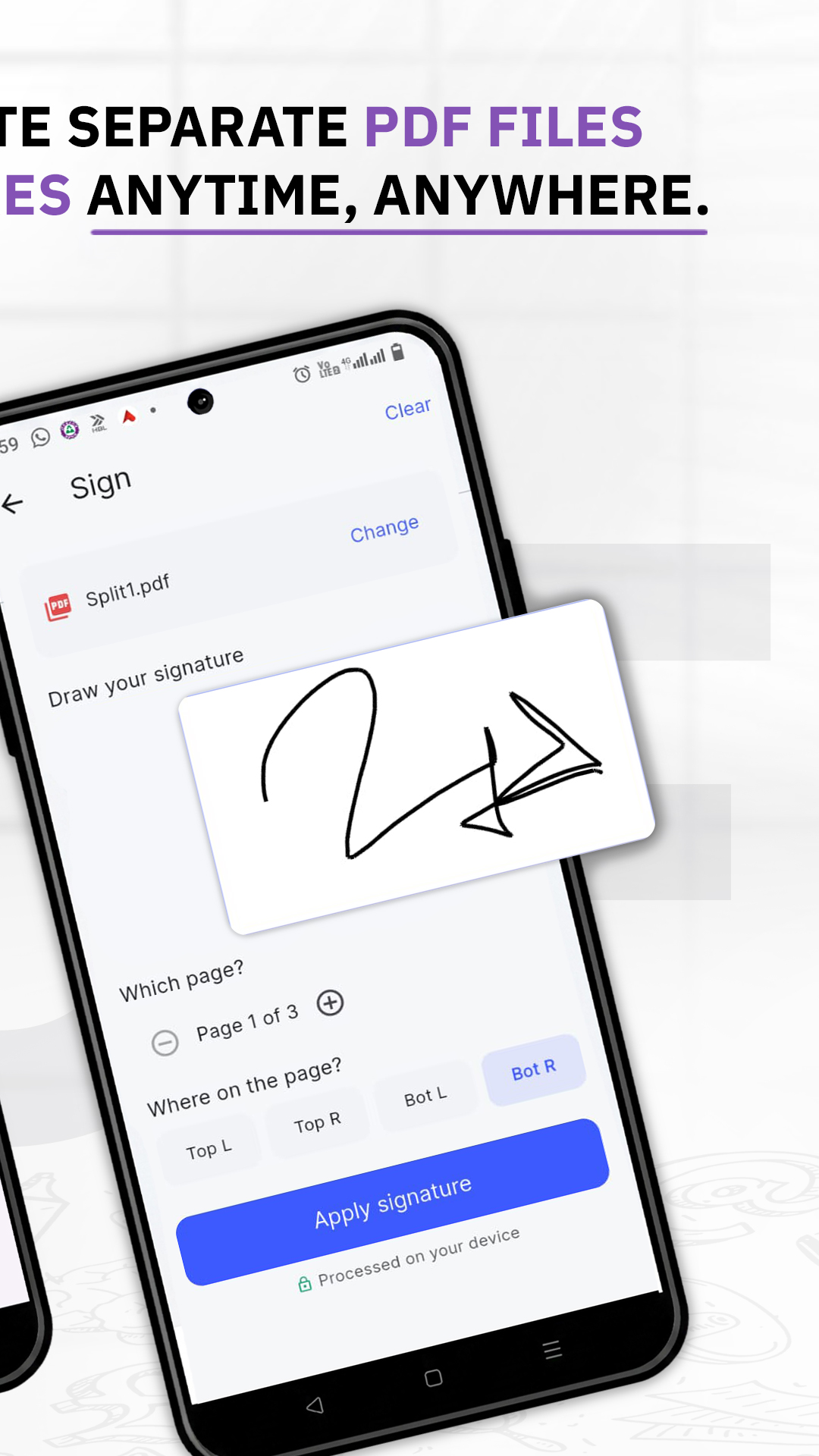
Sign PDF
Draw and place your signature on any document — no printing needed.
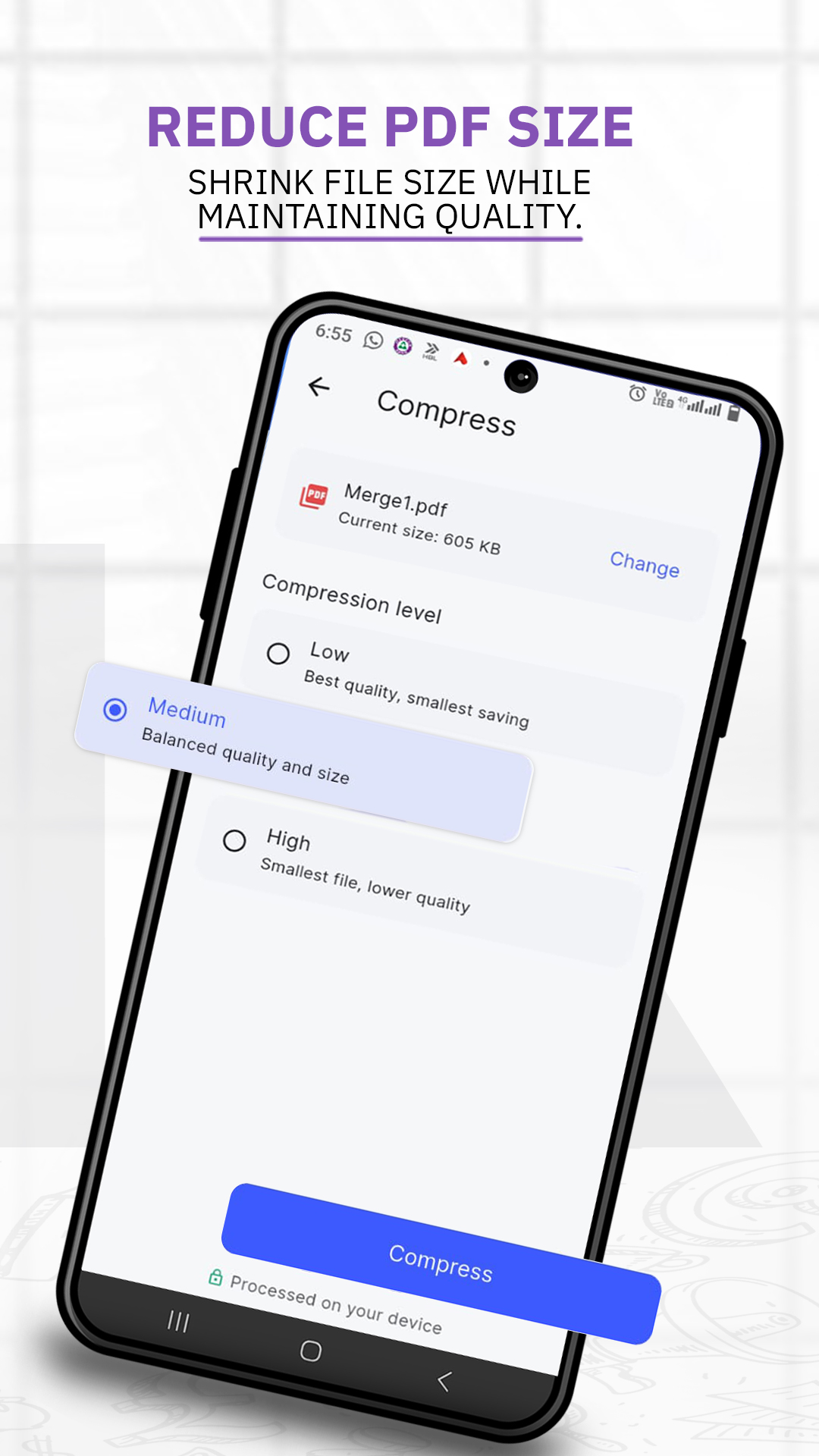
Compress PDF
Shrink large PDFs for easy sharing while keeping them readable.
Rotate pages
Fix sideways or upside-down pages with a single tap.
Private by design
Everything runs on-device. Your files never leave your phone.
Fast & lightweight
No cloud uploads, no waiting — just instant local processing.
Simple by design
From file to finished in three taps
No tutorials, no setup. InkPDF is built so anyone can use it the moment it opens.
Pick a tool
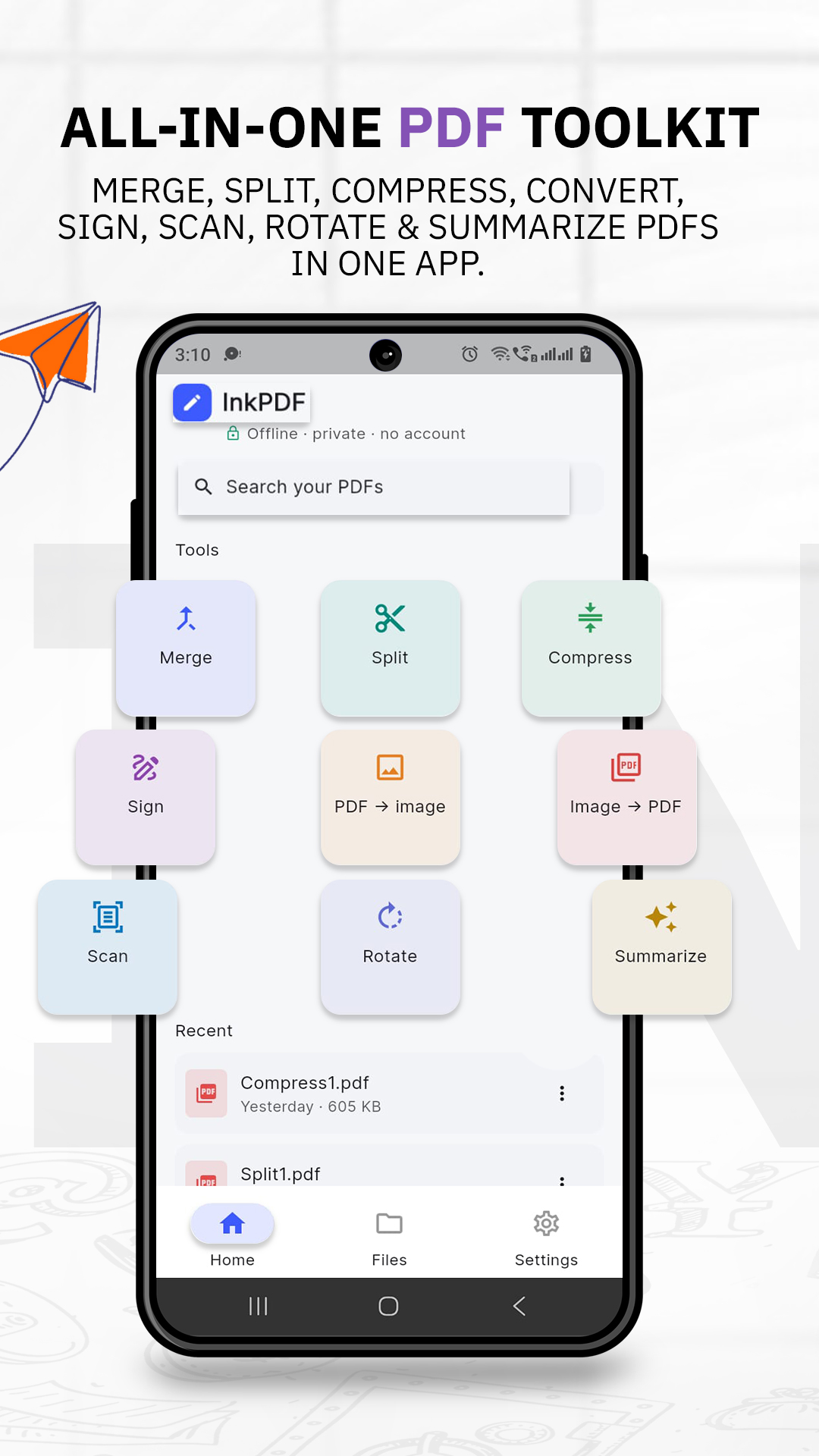
Open InkPDF and choose what you need — merge, split, scan, sign, compress or rotate.
Add your files
Select PDFs from your phone or scan a fresh document straight from your camera.
Save & share
Your finished PDF is saved on your device, watermark-free, ready to share anywhere.
See it in action
Clean, simple, made for getting things done
A calm interface that keeps every tool one tap away.
Works without internet
Every tool runs locally on your phone — even in airplane mode.
No account required
Open the app and start working. No sign-up, no email, no friction.
No watermarks, ever
Your documents stay clean and unbranded, exactly as you make them.
Good to know
Frequently asked questions
Quick answers about how InkPDF works.
Is InkPDF free?
Yes. InkPDF is completely free to download and use. Merge, split, scan, sign, compress and rotate all work with no payment or subscription.
Does InkPDF work offline?
Yes. All processing happens on your device, so you can merge, split, scan and edit PDFs with no internet connection at all.
Does InkPDF add a watermark to my files?
Never. Your PDFs come out clean and exactly as you created them — no watermark, no branding.
Do I need to create an account?
No. There is no sign-up and no login. Open InkPDF and start working straight away.
Are my documents private and safe?
Yes. Because every tool runs on your phone, your files never get uploaded to any server and never leave your device.
Which Android versions are supported?
InkPDF runs on Android 8.0 and above, covering the vast majority of phones in use today.
Get your free offline PDF toolkit
Merge, split, scan and sign PDFs on your Android phone — no watermark, no account, no internet needed.
Download InkPDF free